 Eddie
EddieComing soon
Live Wallpaper for Chrome.
The same moving scenes and clock on every new tab, on any computer. It’s on its way to the Chrome Web Store and will unlock with your Live Wallpaper key.
Your desktop, moving.
$2 once, or free with Eddie. For GNOME on Linux.
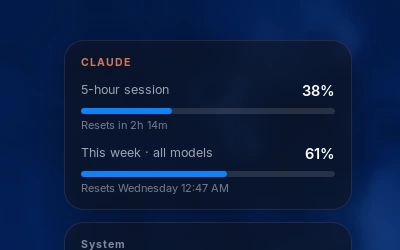
Claude Code usage
Your 5-hour session and weekly usage, with exactly when each one resets, right on your desktop. Kept fresh by Eddie while Claude Code is open.
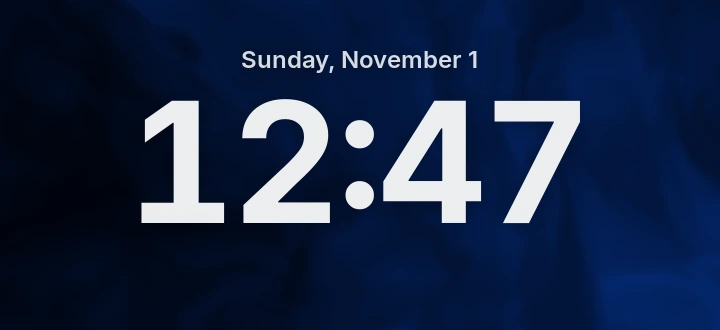
Lock-screen clock
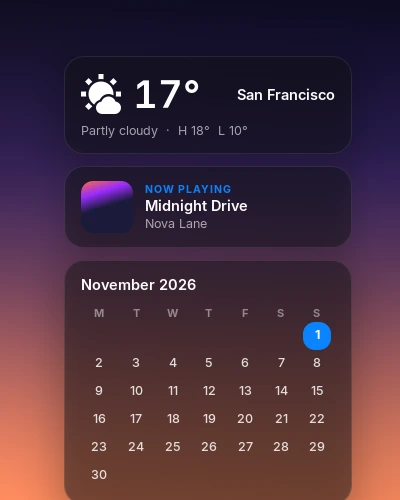
Your day
Built in
No video files to download. Or use any video or photo you own.
Paste this into a terminal. It installs into your home folder and asks before touching anything else. Then paste your license key into Settings → License.
curl -fsSL https://editz.pro/wallpaper/install.sh | bashThen open Live Wallpaper from your app menu. Read the script
Built in
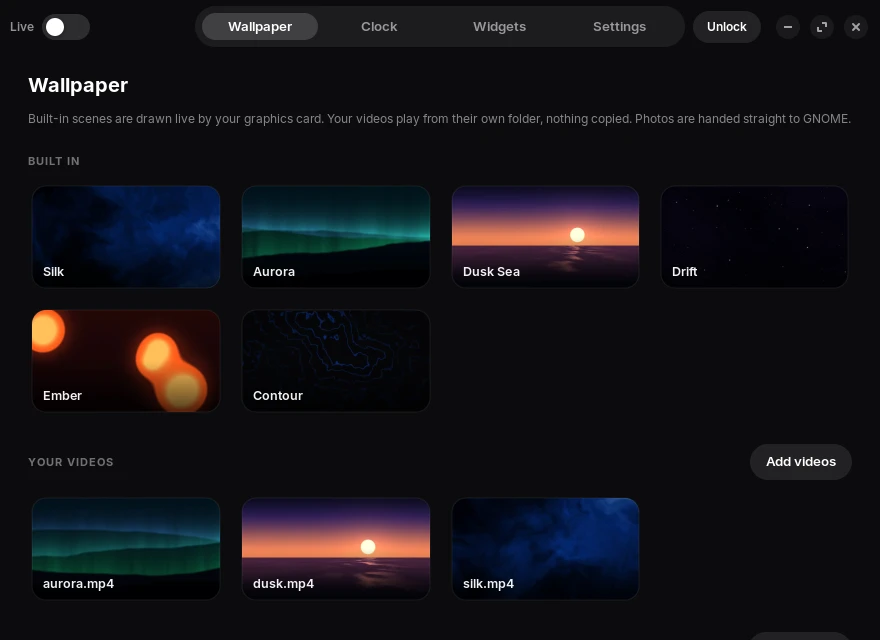
Each one is drawn live by your graphics card, so there are no video files to fill your disk, and they never look the same twice. You can also use any video or photo you own.
Aurora Dusk Sea
 Silk
Silk Drift
Drift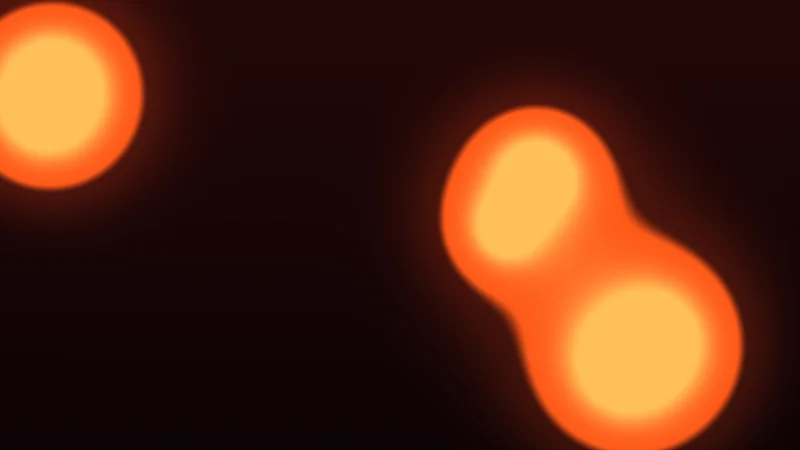 Ember
Ember Contour
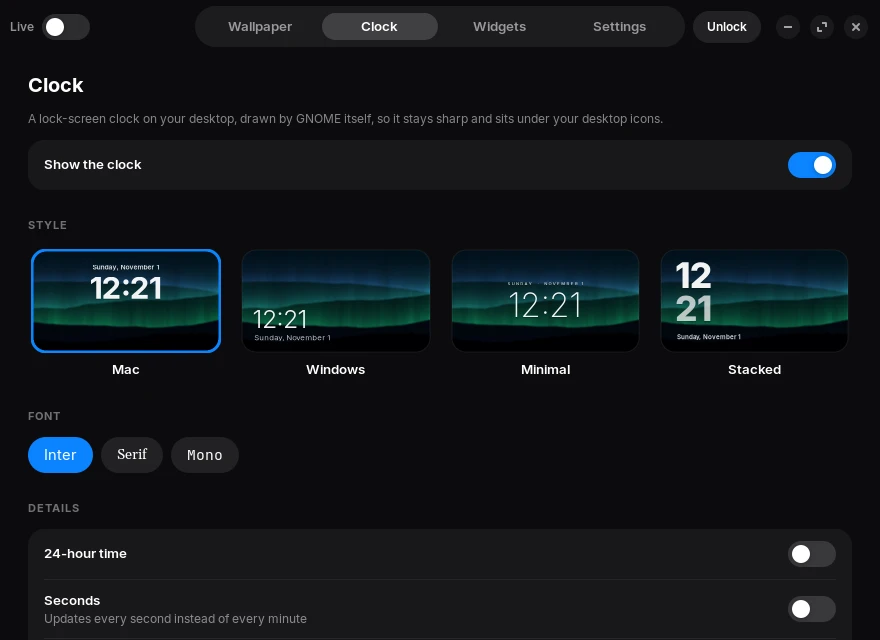
Four styles and three fonts, in 12- or 24-hour time. GNOME draws it, so it stays sharp at any size.
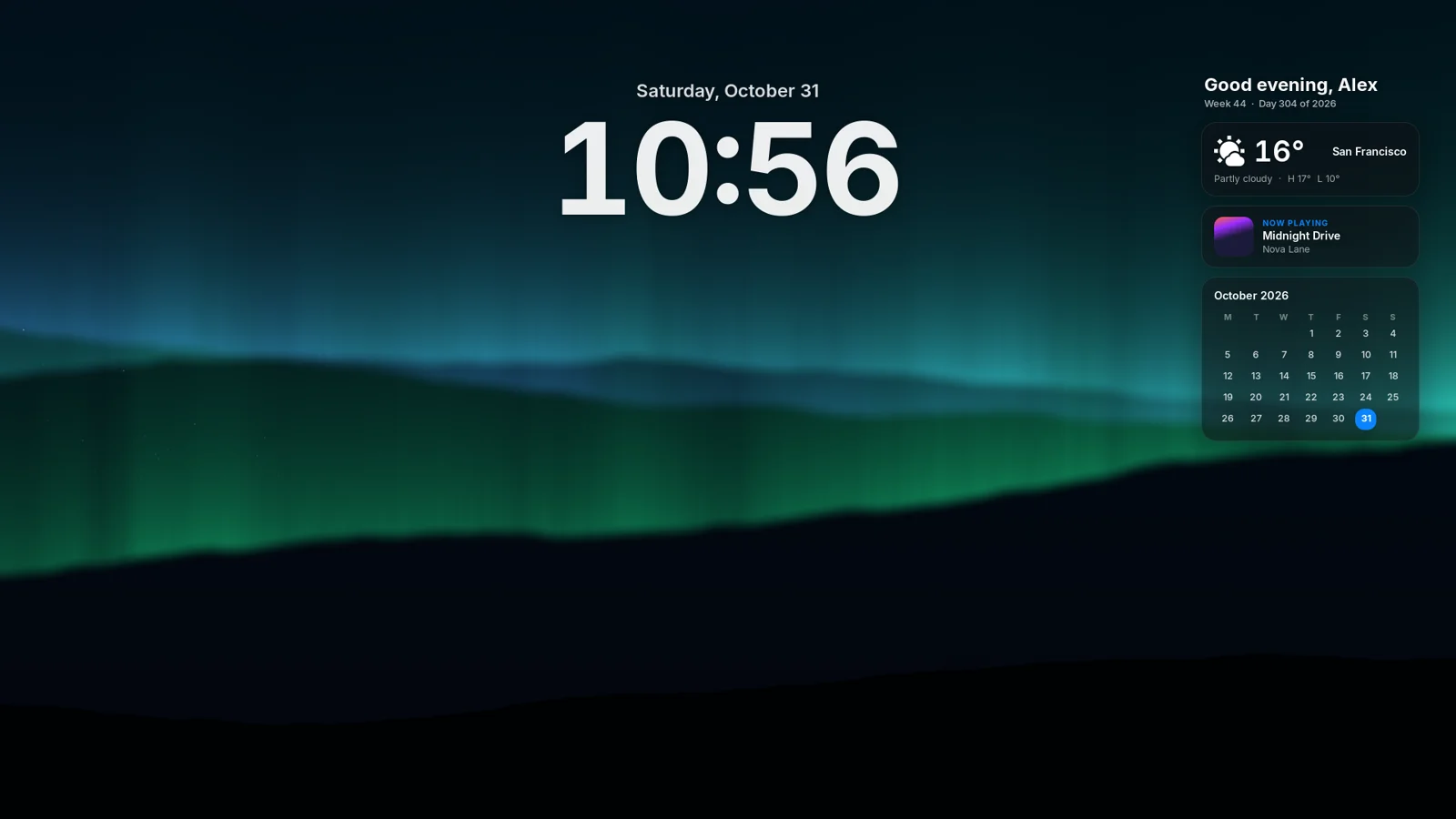
The date on top, a big bold time underneath.
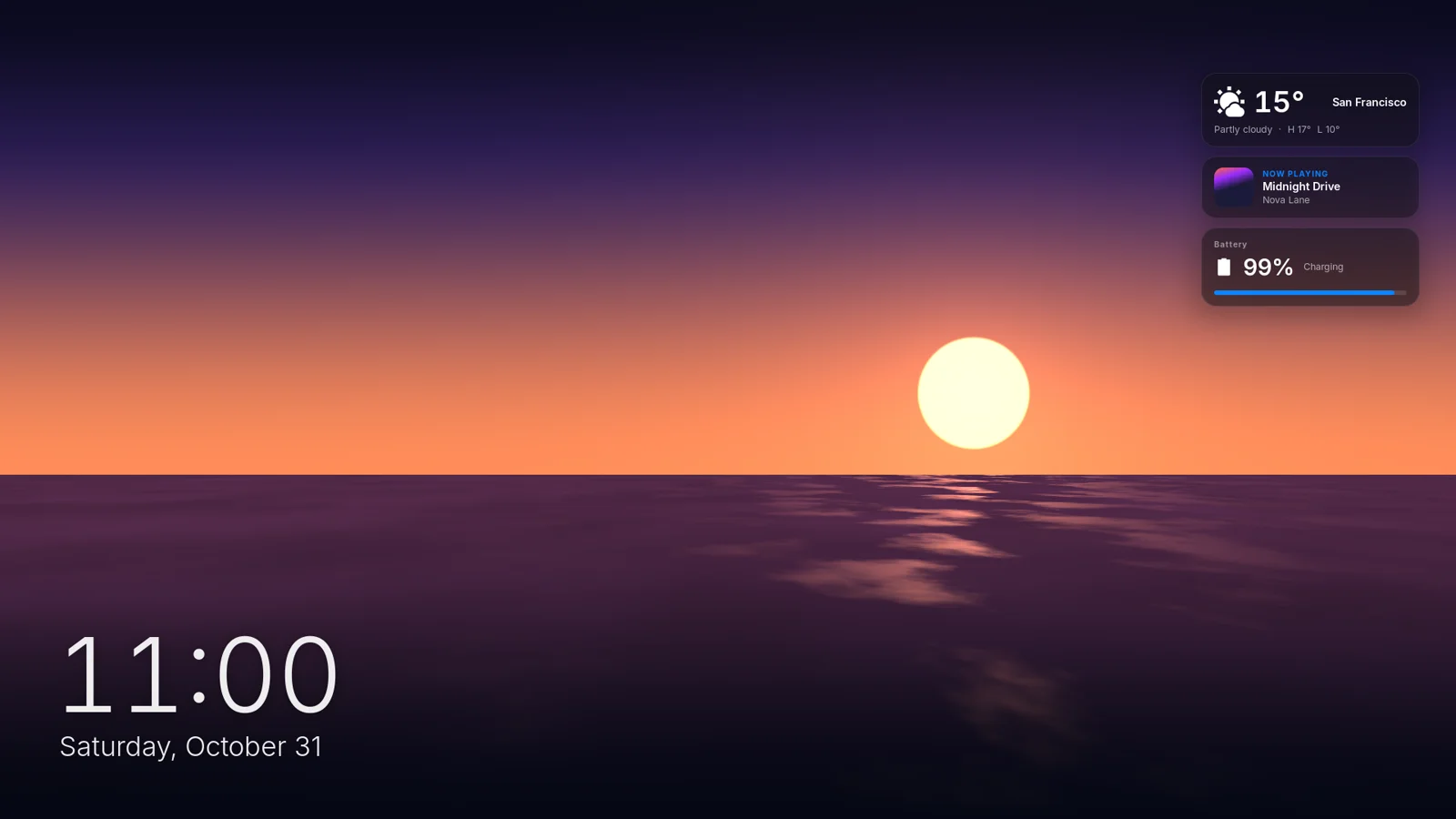
A light time and date, bottom-left.
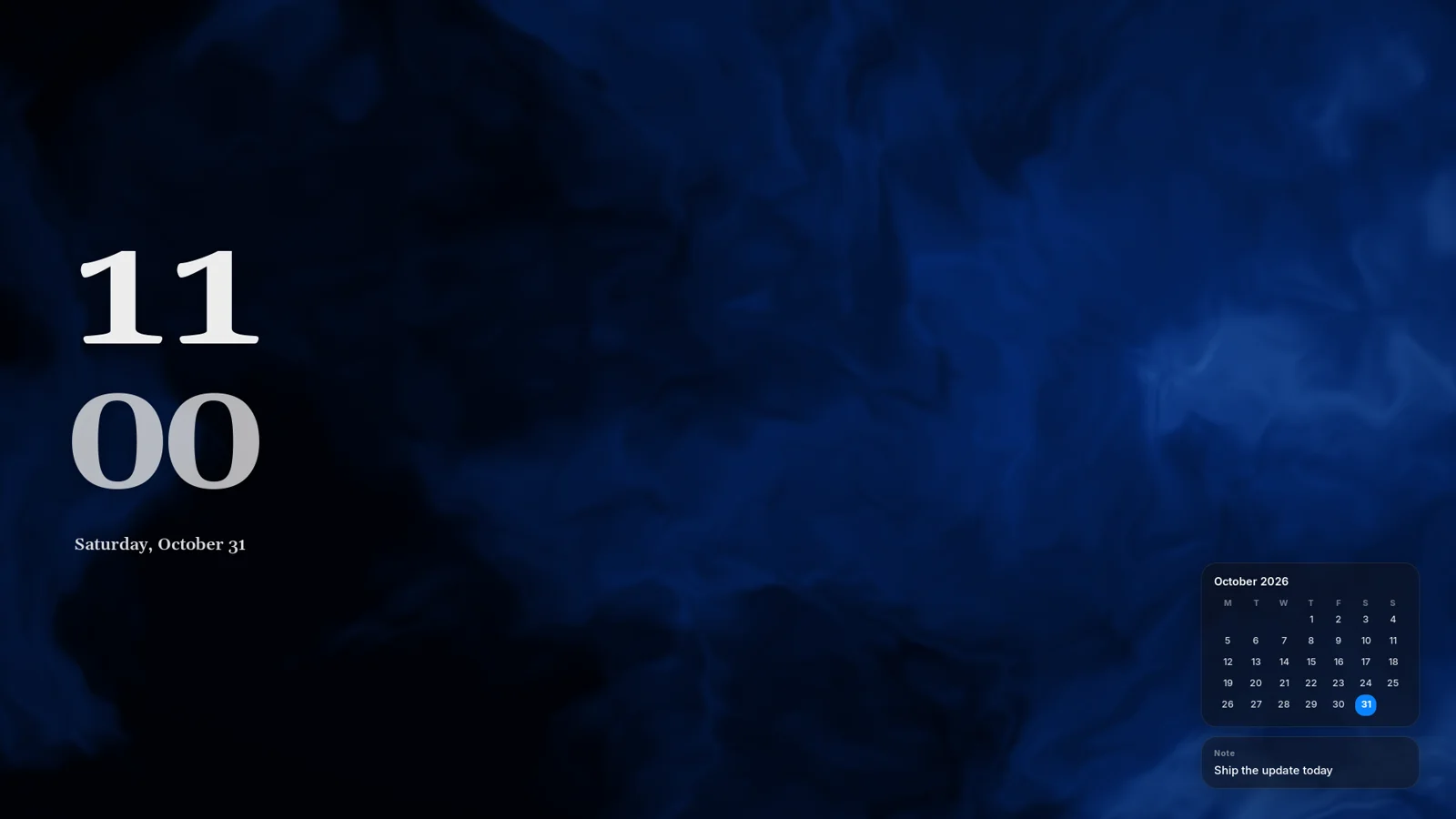
Hours over minutes, here in the serif.
A thin, centred time.
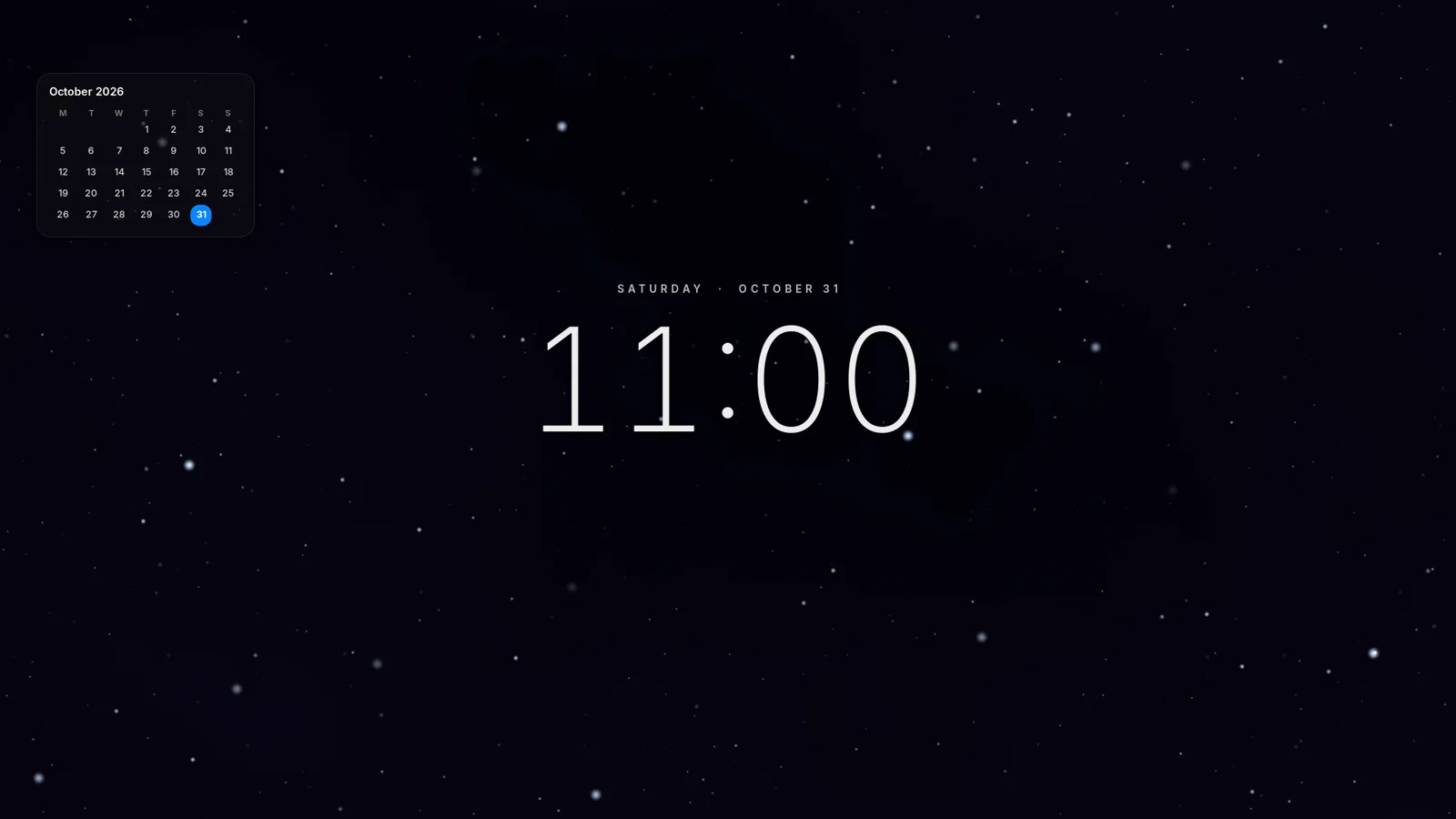
Any style in a monospace font.
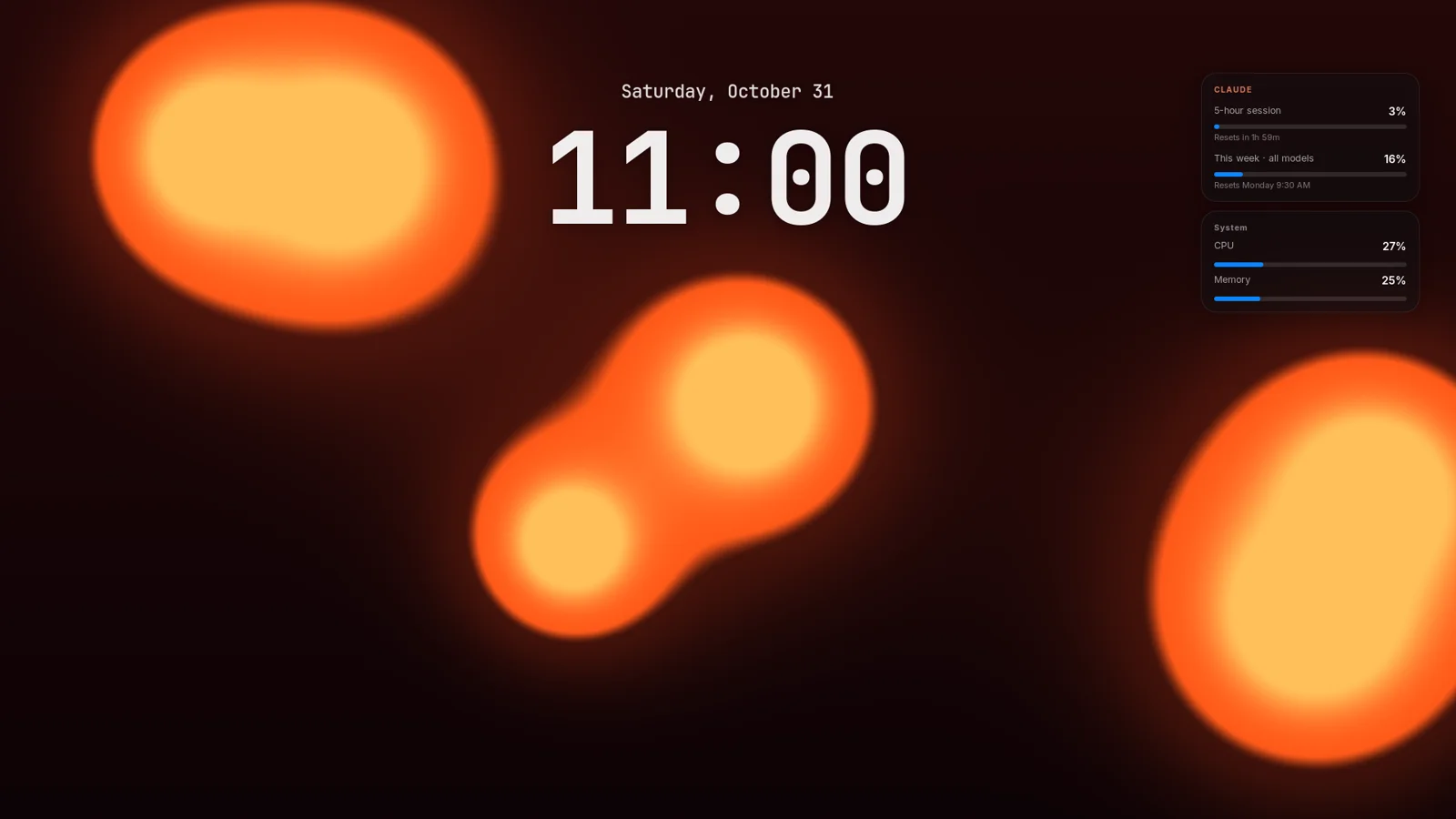
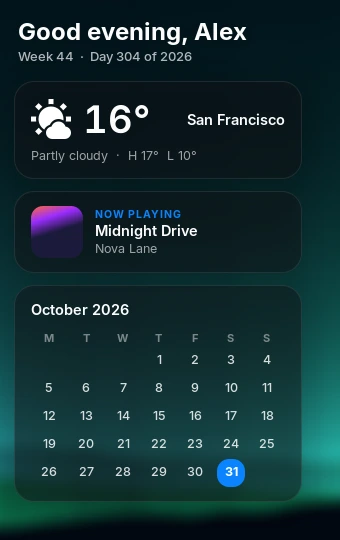
Click a corner and turn on what you need. They sit under your desktop icons, so they never get in the way.
Weather for your city, the song that’s playing, your calendar and your machine at a glance. Even your Claude Code limits.
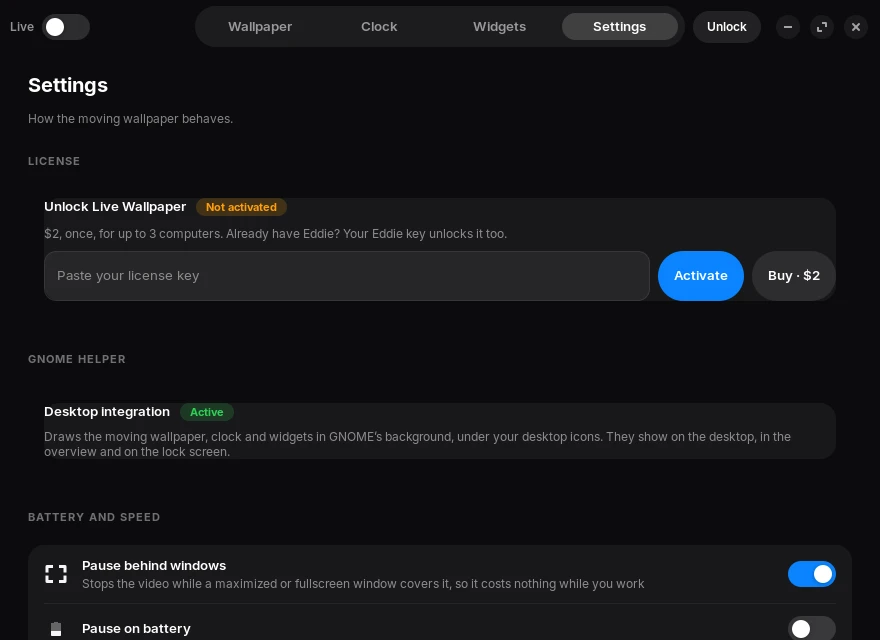
When a maximized or fullscreen window covers the desktop, the wallpaper stops completely. It can pause on battery too.
Built-in scenes need no files. Your videos play from their own folder, and nothing is copied.
It moves on the desktop, in the overview, in workspace previews and on the lock screen.
Pick a scene or a video, see every clock style on your own wallpaper, and hide your desktop icons for a clean look.
Unlock everything for good on up to 3 computers, or get it included with Eddie.
Coming soon
The same moving scenes and clock on every new tab, on any computer. It’s on its way to the Chrome Web Store and will unlock with your Live Wallpaper key.
Any distro running GNOME 45 to 48, such as Ubuntu 24.04 and newer, Fedora 39 to 42, Debian 13, Zorin OS and Arch with GNOME. It’s built and tested on GNOME 46 under X11. Wayland works through Xwayland and is in beta. KDE and other desktops aren’t supported yet.
Buy a key for $2 and it arrives by email. Open Live Wallpaper, paste it into Settings → License and click Activate. An Eddie key works too.
No. Paste your Eddie license key into Live Wallpaper and it unlocks. It uses one of your key’s activations.
Yes. Click Remove from this computer in Settings → License, then activate on the new one. Each key works on up to 3 computers at a time.
GNOME only loads new extensions at login. On X11 you can press Alt+F2, type r and press Enter instead, and your windows stay open.
It pauses whenever a maximized or fullscreen window covers the desktop, can pause on battery, and renders on your graphics card. Photo wallpapers run no process at all.
It puts the app in ~/.local/share/live-wallpaper, links a small GNOME Shell extension and adds an app menu entry. If mpv, ffmpeg or the GTK bindings are missing, it shows you the package command and asks first. To remove everything, run ~/.local/share/live-wallpaper/uninstall.sh.