
Claude Code notifications
Claude Code Notifications on Linux: notify-send, Sounds, GNOME and KDE
Get a Claude Code notification on Linux when Claude finishes or needs permission: notify-send hooks, sounds with paplay or pw-play, and fixes for SSH and tmux.
On this page
To get a Claude Code notification on Linux, add a Stop hook to ~/.claude/settings.json that runs notify-send, which shows a standard desktop notification on GNOME, KDE Plasma, Xfce and other desktops. Add a Notification hook with the permission_prompt matcher too, so you also hear about it when Claude is waiting for your approval. If you want a sound, add paplay or pw-play with one of the freedesktop sound files.
Event names, matchers and timing come from the official hooks reference and hooks guide, and the urgency and hint behavior from the freedesktop notification spec, checked on October 3, 2026. Every JSON block is valid JSON in Claude Code's format and every shell command passes bash -n. The flags were checked against notify-send --help from libnotify 0.8.3.
The quick setup
Install notify-send if command -v notify-send prints nothing. It's in libnotify-bin on Debian and Ubuntu, and in a libnotify package on most other distributions. Then merge this into ~/.claude/settings.json:
{
  "hooks": {
    "Stop": [
      {
        "hooks": [
          { "type": "command", "command": "notify-send -a 'Claude Code' 'Claude Code' \"Finished in $(basename \"$PWD\")\"" }
        ]
      }
    ],
    "Notification": [
      {
        "matcher": "permission_prompt",
        "hooks": [
          { "type": "command", "command": "notify-send -a 'Claude Code' -u critical 'Claude Code' 'Claude needs your permission'" }
        ]
      }
    ]
  }
}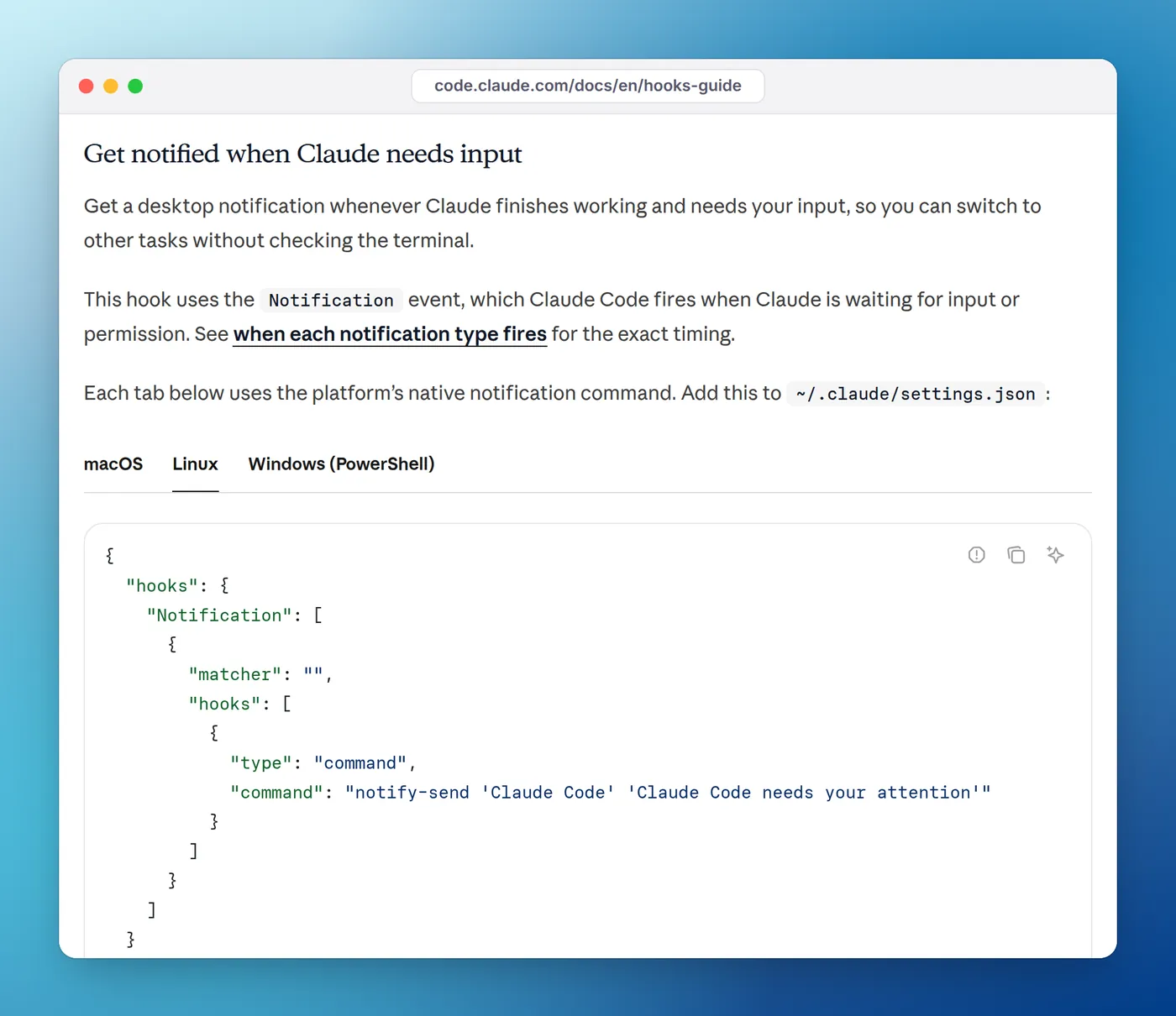
Notification hook that runs notify-send.Hooks run in Claude Code's working directory, so $(basename "$PWD") puts the project folder in the message. -a sets the app name that the notification is filed under. -u critical asks the desktop to keep the permission alert on screen: the spec says critical notifications should not expire on their own and should close only when you dismiss them. Notification servers decide how to honor it, so on some desktops it looks like any other notification.
Run /hooks inside Claude Code to check the hooks loaded. Then ask something quick and switch windows; the "Finished" notification should appear as soon as Claude answers.
Which event fires when
The notification pillar guide covers this in depth. In short:
| Event | Fires when | Use it for |
|---|---|---|
Stop | Claude finishes responding (every turn, not on Esc) | "It's done" |
Notification, permission_prompt | A permission prompt has waited about six seconds without you typing | "It's blocked on you" |
Notification, idle_prompt | About 60 seconds after Claude finished, if you haven't typed | A second reminder |
PermissionRequest | The instant Claude asks for permission | An alert even while you're at the keyboard |
The permission_prompt timer resets every time you press a key. That's deliberate: the alert reaches you when you look away, not while you're reading the prompt. If you want it the moment Claude asks, hook PermissionRequest with a command that prints nothing, which leaves the normal prompt in place. Claude Code notification when waiting for input compares the two.
How each desktop handles it
notify-send sends a message over D-Bus to whatever notification server your session runs, so the same command works everywhere a server is running. What changes is how it looks and whether it stays.
| Desktop | Works with notify-send? | Notes |
|---|---|---|
| GNOME (X11 or Wayland) | Yes | Banners at the top of the screen; Do Not Disturb hides them |
| KDE Plasma (X11 or Wayland) | Yes | Popups in the corner, history in the system tray; kdialog --passivepopup is a KDE-only alternative |
| Xfce, Cinnamon, MATE | Yes | Each desktop ships its own notification daemon |
| Sway, Hyprland, i3 and other window managers | Only with a daemon | Run a notification daemon such as mako, dunst or swaync |
| Headless server, SSH session, container | No | There's no desktop to show it; use a terminalSequence (below) |
If nothing appears, run notify-send 'Claude Code' 'test' in a terminal on the same machine. If that fails too, the problem is your notification setup, not Claude Code.
Add a sound
A sound gets through even when Do Not Disturb hides banners. Most desktops ship the freedesktop sound theme, which provides files such as complete.oga, bell.oga, message.oga and dialog-warning.oga in /usr/share/sounds/freedesktop/stereo/ (the sound-theme-freedesktop package on Debian and Ubuntu).
Which player you have depends on your audio stack:
| Command | Package (Debian, Ubuntu) | Works on |
|---|---|---|
paplay <file> | pulseaudio-utils | PulseAudio, and PipeWire with its PulseAudio layer |
pw-play <file> | pipewire-bin | PipeWire, including systems with no paplay |
canberra-gtk-play -i complete | gnome-session-canberra | Plays the named event from your desktop's sound theme |
Add the sound as a second handler next to the notification. Both handlers in the same group run in parallel:
{
  "hooks": {
    "Stop": [
      {
        "hooks": [
          { "type": "command", "command": "notify-send -a 'Claude Code' 'Claude Code' 'Finished'" },
          { "type": "command", "command": "paplay /usr/share/sounds/freedesktop/stereo/complete.oga || pw-play /usr/share/sounds/freedesktop/stereo/complete.oga", "async": true }
        ]
      }
    ]
  }
}
The || falls back to pw-play when paplay isn't installed, and "async": true means Claude doesn't wait for the clip to finish. For more sound ideas, see how to play a sound when Claude Code is done.
A better script: project name, reply preview and two sounds
Once the one-liners work, a small script gives you more useful notifications. This one shows the project name, a preview of Claude's last reply on Stop, and plays a different sound for permission prompts. It needs jq to read the event JSON that Claude Code sends on standard input.
#!/bin/bash
# Usage: notify.sh done | notify.sh permission
# Claude Code sends the event as JSON on stdin.
input=$(cat)
project=$(basename "$PWD")
sounds=/usr/share/sounds/freedesktop/stereo
if [ "$1" = "permission" ]; then
title="Claude Code: $project"
body="Claude needs your permission"
urgency=critical
sound="$sounds/dialog-warning.oga"
else
title="Claude Code: $project finished"
body=$(printf '%s' "$input" | jq -r '.last_assistant_message // "Done"')
body=${body:0:140}
urgency=normal
sound="$sounds/complete.oga"
fi
# Some notification servers read the body as markup, so escape it.
body=${body//&/&}
body=${body//</<}
body=${body//>/>}
notify-send -a "Claude Code" -u "$urgency" "$title" "$body"
if command -v paplay >/dev/null 2>&1; then
paplay "$sound"
elif command -v pw-play >/dev/null 2>&1; then
pw-play "$sound"
fi
exit 0Make it executable with chmod +x ~/.claude/hooks/notify.sh, then point both hooks at it:
{
  "hooks": {
    "Stop": [
      { "hooks": [{ "type": "command", "command": "\"$HOME/.claude/hooks/notify.sh\" done", "async": true }] }
    ],
    "Notification": [
      { "matcher": "permission_prompt", "hooks": [{ "type": "command", "command": "\"$HOME/.claude/hooks/notify.sh\" permission", "async": true }] }
    ]
  }
}
last_assistant_message is part of the Stop input, so you can see what Claude said without switching windows. The markup escaping matters because the spec's markup section lets servers interpret a small set of HTML-like tags in the body, and a stray < in Claude's reply could otherwise swallow the text.
Two optional flags are worth knowing. -e marks a notification as transient, which the spec defines as bypassing the server's persistence, so "Finished" alerts don't pile up in your notification history. -h string:sound-name:complete asks the notification server itself to play a theme sound, but only some servers support that hint, so the script plays the file directly.
Over SSH, in tmux, and when the hook can't reach your desktop
notify-send runs on the machine where Claude Code runs. Three situations break that.
Claude Code on a remote server. The notification fires on the server, where nobody sees it. Return a terminalSequence instead, and Claude Code writes an escape sequence that your local terminal turns into a notification. The terminal notifications section lists OSC 777 for Ghostty, urxvt and Warp, OSC 99 for Kitty, and OSC 9 for WezTerm:
{
  "hooks": {
    "Stop": [
      {
        "hooks": [
          {
            "type": "command",
            "command": "printf '%s' '{\"terminalSequence\": \"\\u001b]777;notify;Claude Code;Finished\\u0007\"}'"
          }
        ]
      }
    ]
  }
}
Use ]9;Finished in place of ]777;notify;Claude Code;Finished for WezTerm. Claude Code only writes the sequence in an interactive session, and drops it if it contains anything outside the allowlist.
Claude Code inside tmux. Escape sequences never reach the outer terminal unless you add set -g allow-passthrough on to ~/.tmux.conf and run tmux source-file ~/.tmux.conf, as the terminal configuration docs explain.
A missing D-Bus address. notify-send finds your desktop through the DBUS_SESSION_BUS_ADDRESS environment variable, and hooks inherit Claude Code's environment. If you started Claude Code from SSH into your own desktop machine, from a tmux server that outlived your login, or from a systemd service, that variable may be missing or stale. On systemd-based desktops the session bus lives at a fixed path, so you can set it in the hook command:
{
  "hooks": {
    "Stop": [
      {
        "hooks": [
          { "type": "command", "command": "DBUS_SESSION_BUS_ADDRESS=\"unix:path=/run/user/$(id -u)/bus\" notify-send 'Claude Code' 'Finished'" }
        ]
      }
    ]
  }
}
The built-in option: preferredNotifChannel
Before writing hooks, check whether your terminal already does it. According to the settings reference, the default auto channel sends a desktop notification in Ghostty and Kitty (and iTerm2 on macOS) and does nothing in GNOME Terminal, Konsole or most other Linux terminals. To ring the bell in any terminal:
{
  "preferredNotifChannel": "terminal_bell"
}
What a bell does depends on your terminal's settings, so check its bell or alert options if you hear nothing. The built-in channel uses the same away-from-keyboard timing as the Notification hook, and hooks run alongside it rather than replacing it.
Which setup fits your machine
Most Linux setups need only one or two of the pieces above. Match your situation to a row:
| Your situation | Use |
|---|---|
| Claude Code in a terminal on your own GNOME, KDE or Xfce desktop | The quick notify-send setup, plus a sound if you want one |
| A tiling window manager such as Sway or Hyprland | Start a notification daemon first, then the same notify-send hooks |
PipeWire with no paplay | pw-play with the same sound files |
| Claude Code on a remote server over SSH | A terminalSequence hook, in a terminal that supports it |
| Claude Code inside tmux | Either of the above, plus set -g allow-passthrough on for sequences |
| Ghostty or Kitty, and you don't need custom text | No hook at all: the built-in auto channel already notifies |
If you use more than one machine, keep the notification commands in a script like the one above and branch on what's installed. command -v notify-send tells the script whether a local desktop alert is even possible, and it can fall back to printing a terminalSequence when it isn't. That way the same settings.json works on your laptop and on a server.
When nothing shows up
- Run the command by itself in a terminal. Most failures are the command, not the hook.
- Test the right event. For
permission_prompt, ask for something that needs approval, such as running your tests, then leave the keyboard alone for about six seconds. Any keystroke restarts the wait. - Run
/hooksto confirm the hook loaded under the right event. If it isn't listed, check the settings file is valid JSON withjq . ~/.claude/settings.json. - Check Do Not Disturb. GNOME and KDE both have it, and it hides banners without telling you.
- Start Claude Code with
claude --debug-file /tmp/claude.logand read the log, which records each hook that matched, its exit code and its error output.
Notification hook not working? 9 fixes covers the rest, including the workspace trust dialog, and how to debug Claude Code hooks explains how to read the debug log. If you also work on a Mac or a Windows PC, Eddie, our notch app, turns these same hooks into a live status for every session there; it has no Linux version, so on Linux the setup above is the way to go.
FAQ
How do I get Claude Code notifications on Linux?
Add a Stop hook to ~/.claude/settings.json that runs notify-send 'Claude Code' 'Finished', and a Notification hook with the permission_prompt matcher for approvals. notify-send comes from the libnotify-bin package on Debian and Ubuntu.
Why does notify-send work in my terminal but not in the hook?
The hook runs with Claude Code's environment. If Claude Code was started from SSH, a tmux server started before you logged in, or a service, DBUS_SESSION_BUS_ADDRESS may be missing, so notify-send can't reach the desktop. Export DBUS_SESSION_BUS_ADDRESS=unix:path=/run/user/$(id -u)/bus on systemd desktops, or use a terminalSequence instead.
How do I play a sound when Claude Code finishes on Linux?
Add a hook that runs paplay /usr/share/sounds/freedesktop/stereo/complete.oga. On PipeWire-only systems without paplay, use pw-play with the same file, or canberra-gtk-play -i complete to play the sound from your desktop's sound theme.
Do Claude Code notifications work on Wayland?
Yes. notify-send talks to the notification server over D-Bus, so it works the same on Wayland and X11 under GNOME and KDE Plasma. On tiling compositors such as Sway or Hyprland you need a notification daemon running, such as mako or dunst.
Does Claude Code send desktop notifications on Linux without hooks?
Only in some terminals. With the default preferredNotifChannel of auto, Claude Code sends desktop notifications in Ghostty and Kitty, and nothing in GNOME Terminal, Konsole or most others. Set it to terminal_bell for a bell anywhere, or use hooks.